Markdown OKF-Schema Studio



VS Code Marketplace | Screenshot report/gallery | Reports index
Markdown OKF-Schema Studio is a visual Markdown editor for VS Code that supports several popular Markdown flavours and extensions:
What This Extension Adds
| Titled and nested MyST admonitions | Mermaid diagrams and captioned MyST figures |
|---|---|
 |
|
| Schema-aware properties | Direct metadata editing | Inline Markdown editing |
|---|---|---|
 |
 |
 |
-
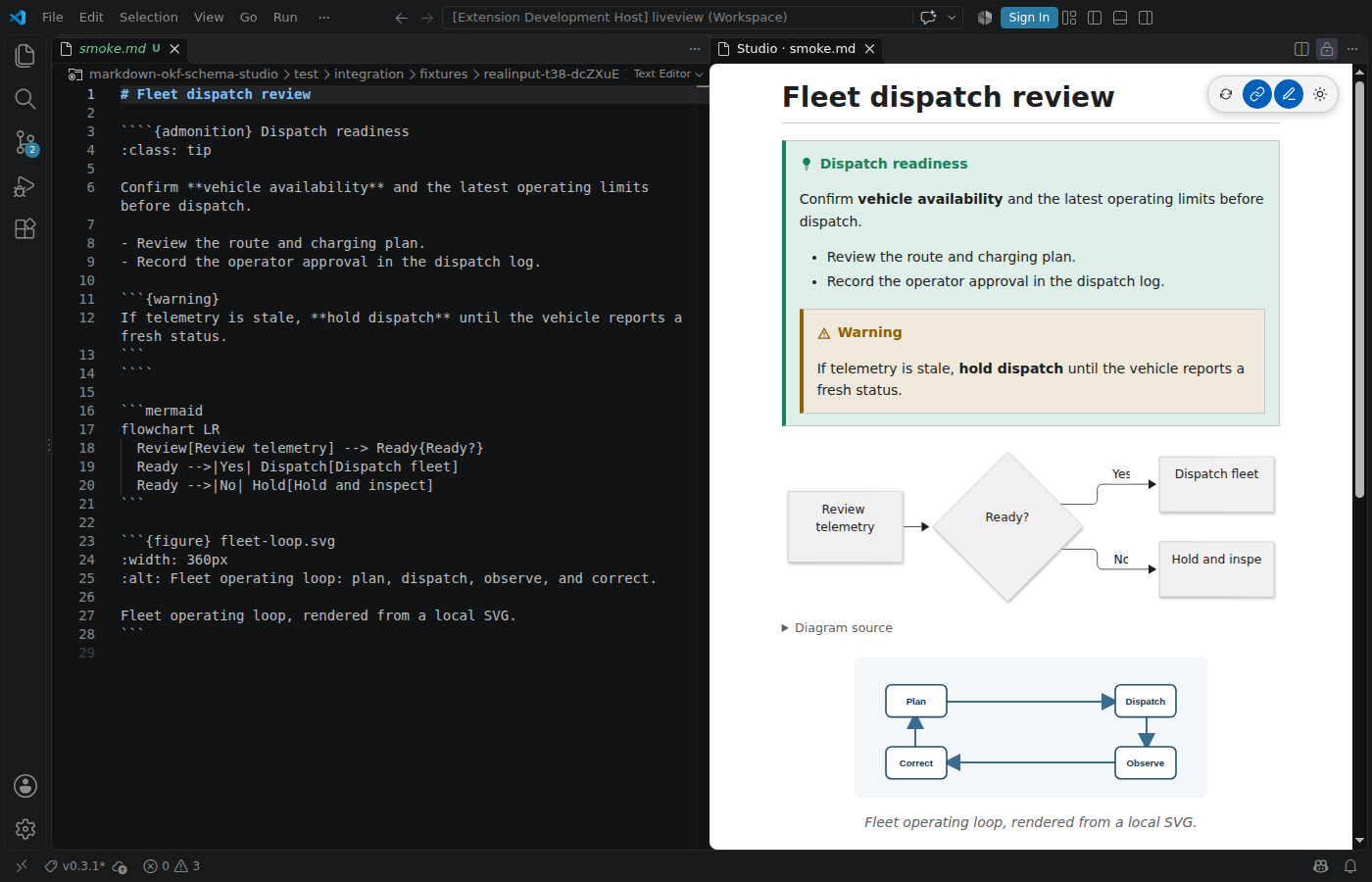
MyST rendering: directives, admonitions, tables, math, Mermaid, PlantUML, images, media, anchors, and permitted external links render in the preview.
-
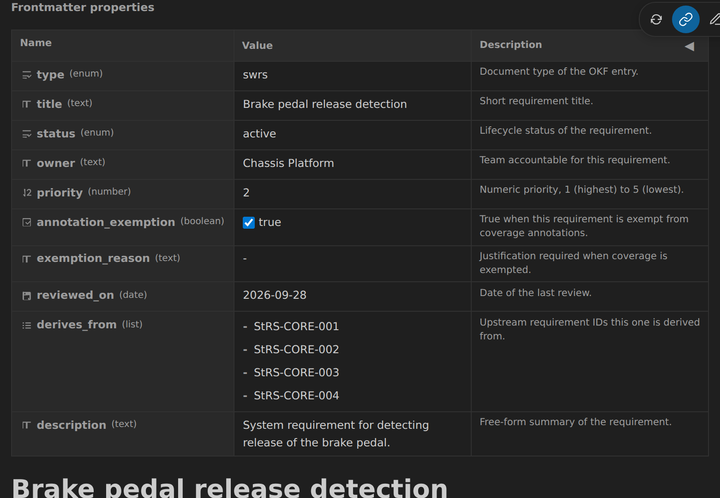
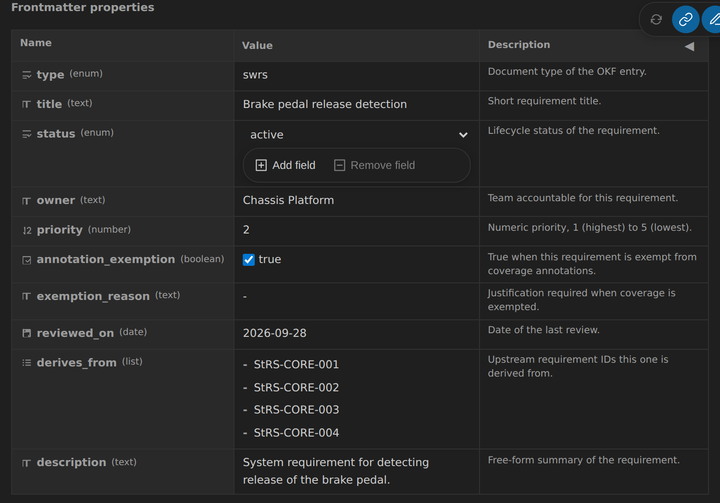
OpenKnowledge Format and OKF-Schema properties: frontmatter field can be shown as a schema-aware properties table, with validation diagnostics, enum controls, typed scalar editors, and YAML editors for arrays and objects.
-
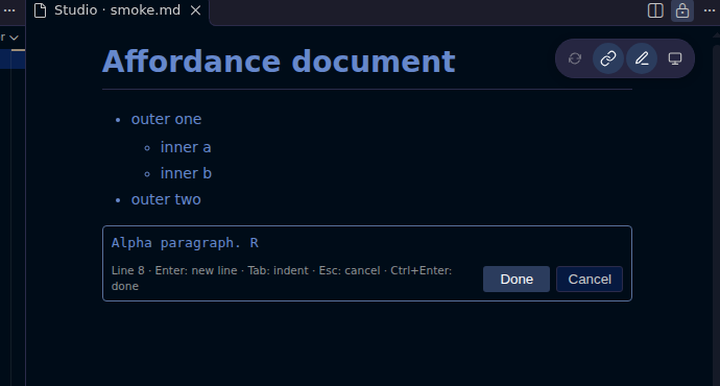
Inline editing: click a rendered block to edit its source Markdown. Save with Done or Cmd/Ctrl+Enter; Cancel or Escape restores the original block. Tables and frontmatter support keyboard navigation, row creation, and focused field editing.
-
Linked evidence:
x-okf-linkannotations can show target metadata and source line numbers for implementation and test evidence. Saved target files refresh their displayed metadata. -
Source navigation: relative links, heading fragments, and linked files open through VS Code and select the corresponding source location.
-
Scroll synchronization: the preview and source editor can follow one another, preserve the current reading position while rendering, and show configurable sticky headings.
-
Safe edition: wrapping and non-destructive editing operation are applied to the raw source, for instance to avoid rewrapping the entire document unnecessarily.
Checkboxes in task lists, paragraphs, and table cells are editable in place. In an untrusted workspace they remain read-only until the workspace is trusted.
Preview Themes
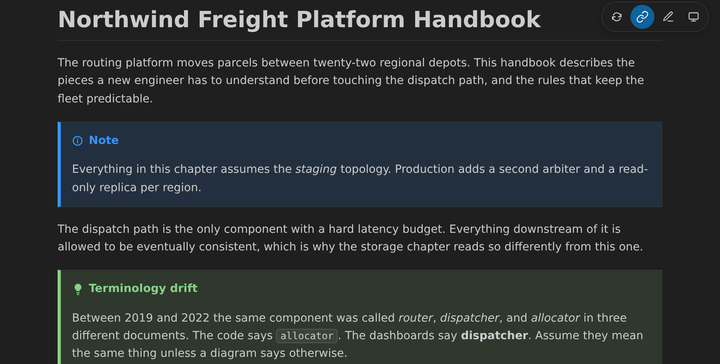
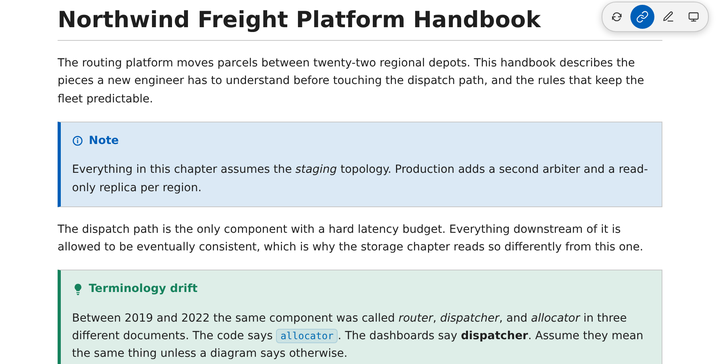
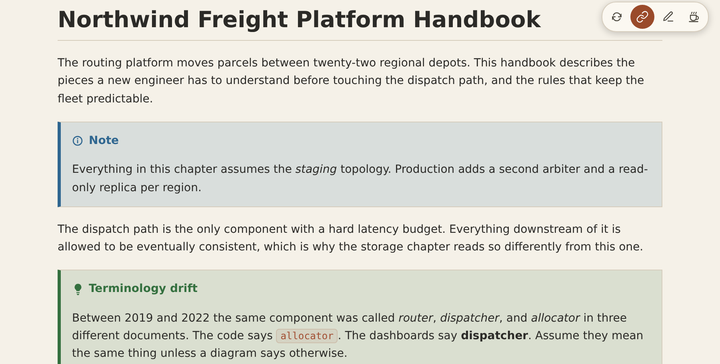
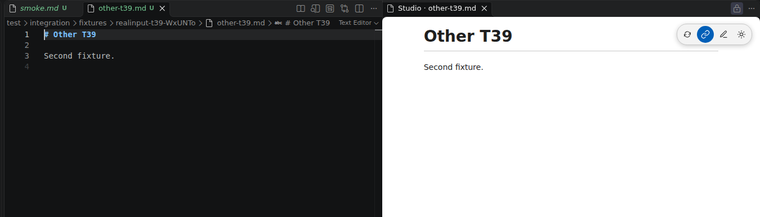
The theme button in the floating preview toolbar cycles through the current VS Code theme, dark, white, and cream. Cream is a warm, low-glare paper palette with clay-coloured links. The choice is remembered per workspace. These three captures use the same document, viewport, and scroll state.
| Dark | White | Cream |
|---|---|---|
 |
 |
 |
See It In Use
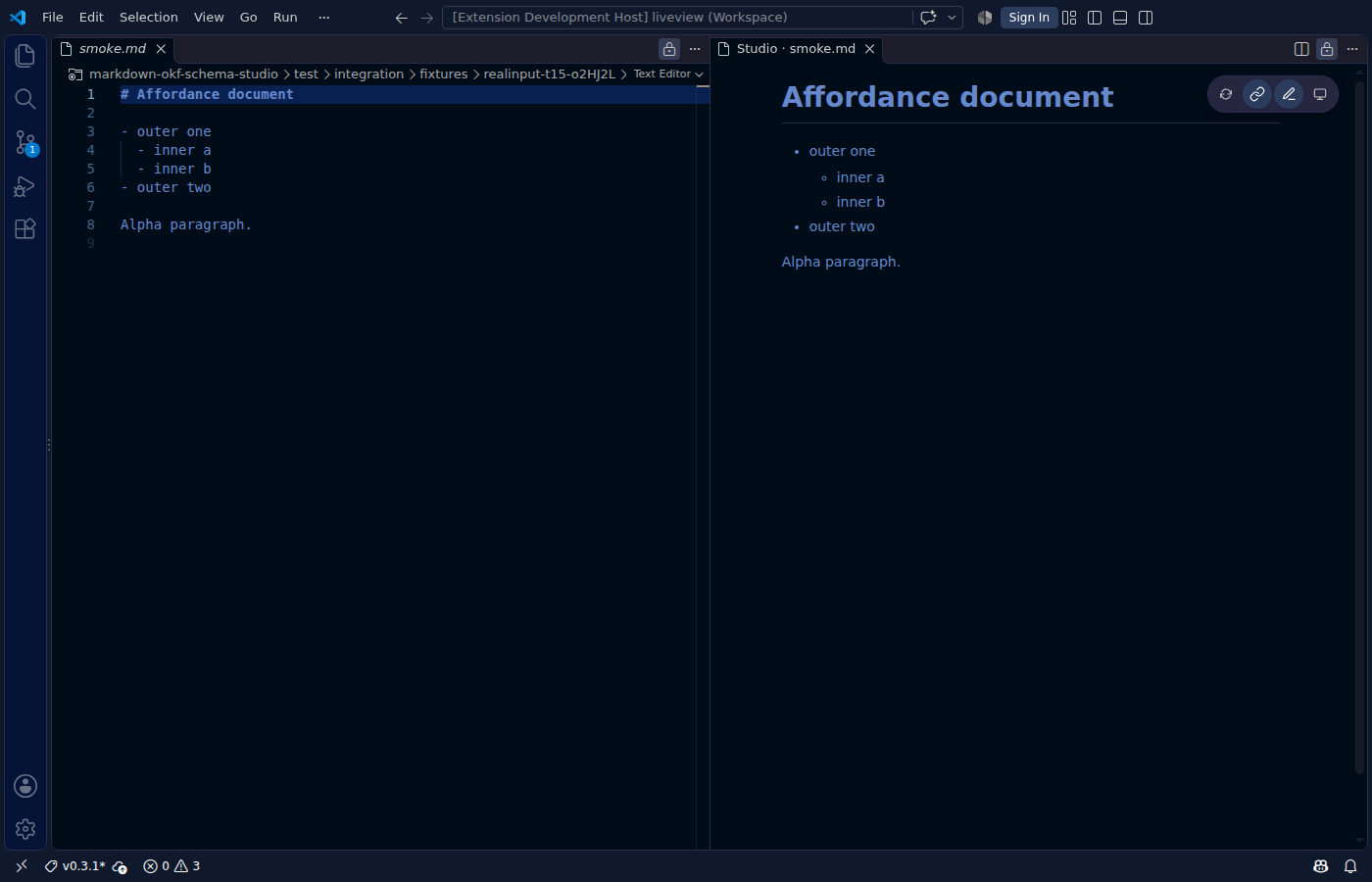
These captures are real Studio views from the end-to-end campaign. The fleet-dispatch document shows Markdown source beside nested MyST admonitions, a Mermaid flowchart, and a captioned SVG figure. The second capture shows the edit hover affordance.
Install
Install Markdown OKF-Schema Studio from the
VS Code Marketplace,
or open the Extensions view in VS Code, search for Markdown OKF-Schema Studio, and select
Install.
Open Studio
Use Open With... on a Markdown tab and select Markdown OKF-Schema Studio.
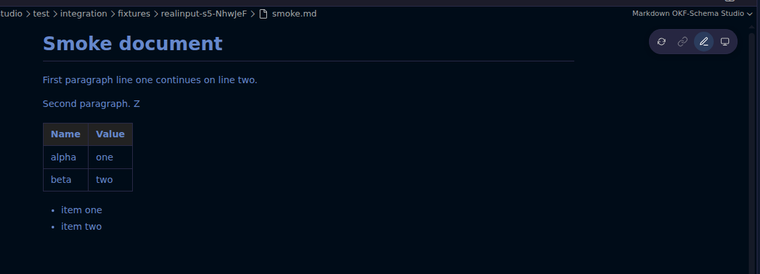
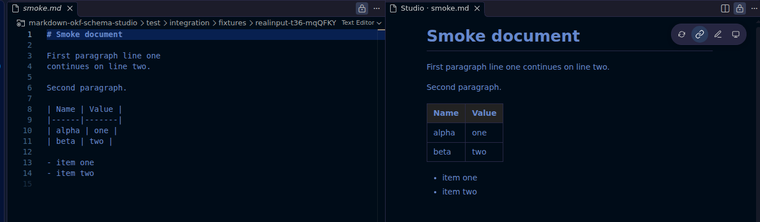
For a side-by-side source and preview, select the book icon in the editor title bar or run Markdown OKF-Schema Studio: Open Preview to Side from the Command Palette.
| Editor title action | Source and preview |
|---|---|
 |
 |
Every image in this README opens at full size when selected.
Open Kownledge Format
Open Knowledge Format (OKF) is an open standard for knowledge documents: readable Markdown content plus structured YAML frontmatter. OKF-Schema extends that model with JSON Schema validation, so a bundle can define which frontmatter fields exist, which values are valid, and which fields are required.
Studio makes that metadata comfortable to use. It turns frontmatter into a properties table, shows schema descriptions and diagnostics beside each field, and lets you edit typed values without manually navigating raw YAML. The Markdown body remains a live, editable MyST preview.
Linked-File Annotations
Schema x-okf-link annotations can display metadata from the resolved target file:
x-okf-link:
  resolution: filename-stem
  syntax: plain
  tooltip_shows_fields: [description]
  preview_shows_fields: [description]
tooltip_shows_fields adds named frontmatter fields to a link’s hover tooltip.
preview_shows_fields displays their values beside the link. Missing fields are omitted; string,
number, and boolean fields are supported.
For source and test evidence, enable the first matching marker’s one-based line number:
x-okf-link:
  resolution: project-relative
  syntax: plain
  basename_marker: '@implements_req'
  id_marker: id
  show_line_number: true
Use @tests_req for test evidence. id_marker selects the current document’s identity field;
without it, marker matching uses the current document’s filename stem.
Settings
The preview settings are available under Markdown OKF-Schema Studio in VS Code settings.
-
scrollPreviewWithEditorandscrollEditorWithPreviewcontrol each scroll direction and default totrue. -
markEditorSelectionanddoubleClickToSwitchToEditorare independent and default tofalse. -
incrementalUpdateskeeps the page in place while the document changes and defaults totrue. -
maxContentWidthandstickyHeadingDepthcontrol the reading layout. -
Frontmatter settings control the properties table, strict additional-property warnings, and workspace-bound link resolution.
See CONTRIBUTING.md for development setup, validation, packaging, and release evidence procedures.